zalnaRs
January 22, 2022, 11:40am
1
Hello! I’m trying to make my PWA an Android TWA (Trusted Web Activity) app, but to hide the browser bar the developer needs to provide a digital asset links (Google Digital Asset Links | Google Developers ) file (assetlinks.json) in a .well-known folder (twitter’s assetlinks ).
My problem is Netlify is not serving the .well-known folder, so the app can’t identify that it’s my website (https://app.dnaplo.cf/.well-known/assetlinks.json ).
I also found similar problems which suggested me to add /.well-known/* /not-a-dotfile/:splat 200! to _redirects and rename .well-known folder to not-a-dotfile, but didn’t work for me.
I also build the website locally and the folder was included.
My .well-known/assetlinks.json:
[{
    "relation": ["delegate_permission/common.handle_all_urls"],
    "target" : { "namespace": "android_app", "package_name": "cf.dnaplo.app",
                 "sha256_cert_fingerprints": ["..."] }
  }]
coelmay
January 22, 2022, 12:05pm
2
Hi @zalnaRs
I suggest taking a look at the following post for the solution to this issue
Hi, @Isabella . Actually there is a workaround, for the folders starting with a dot being ignored as well. The workaround is to use the redirect to “add” the dot back to the beginning of the path.
This works as follows.
Instead of making the directory .well_known/ make it just well_known without the preceeding . character.
Then make a redirect rule like so:
/.well_known/* /well_known/:splat 200
With that rule, you can upload the file as /well_known/something_here but successfully request th…
zalnaRs
January 22, 2022, 12:24pm
3
Hi! Thank you for your fast response. But it’s not works for me.
That’s odd @zalnaRs , works for me.
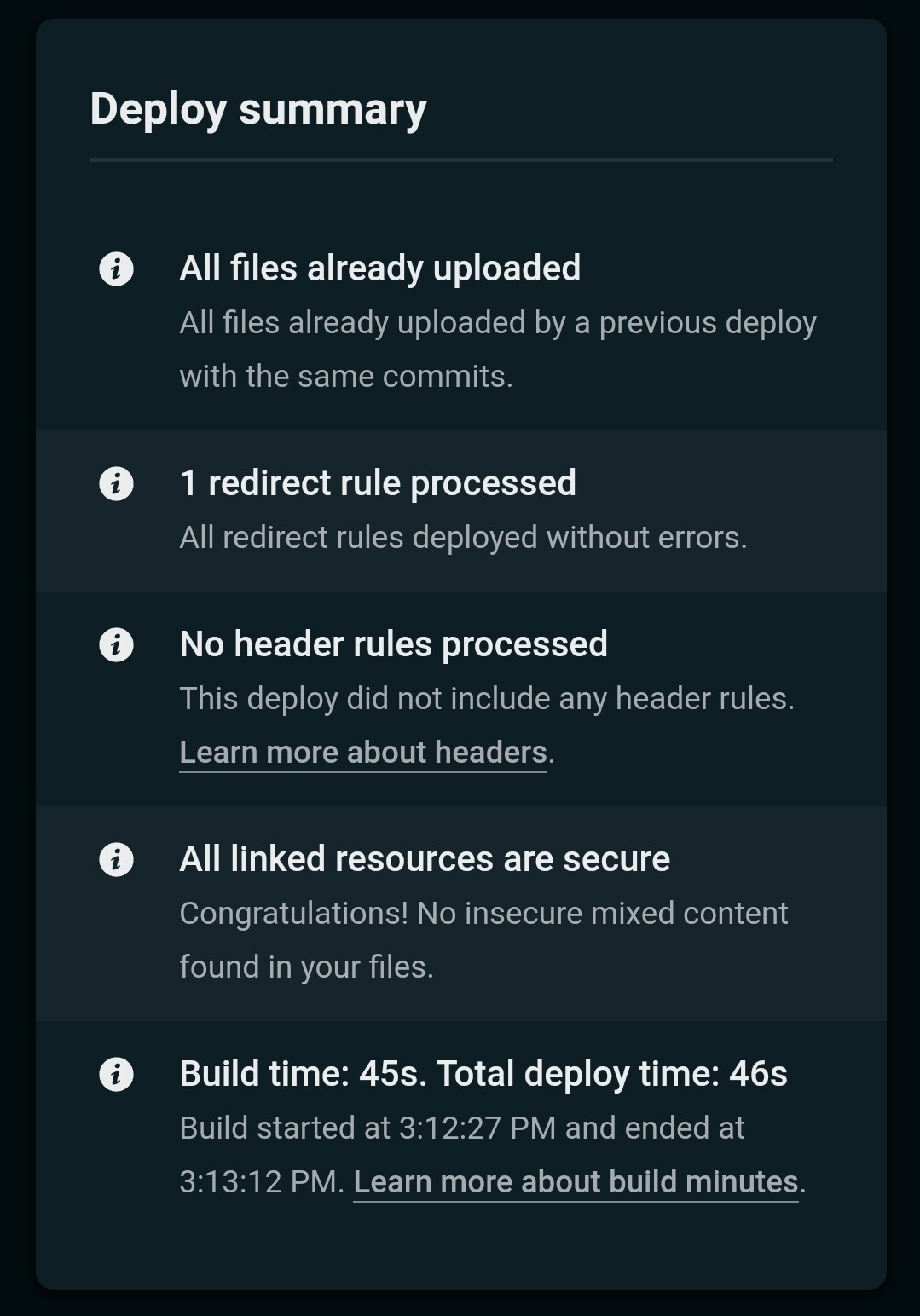
When you deployed, does it show redirects where processed? e.g.
@coelmay It does say that its processed
And can you share the rule in the _redirects file
/.well_known/* /well_known/:splat 200
According to your original post, you need .well-known, but the redirect rule you are using is .well_known.
Likely the rule you need is
/.well-known/* /well-known/:splat 200
and ensure the directory is named well-known.
coelmay
January 23, 2022, 6:50am
10
You can find a demonstration repository @coelmay/netlify-dot-well-known which I have deployed to priceless-booth-eef495 .
If this does not help, please provide a link to the repository you are deploying from.
zalnaRs
January 23, 2022, 10:07am
11
Thank you so much! I fixed the issue. There was lot wrong with my _redirects file.
I have tried this and its not working for me. my app is vue single page application.
Let me know if suggestions.
Thanks
Hi there, glad you found us
First, have you looked through this resource ? It is a compilation of all of our build and deploy resources. This is a good starting point.
If you have worked through those guides and are still encountering issues please share the following information:
the name of your build instance: “example-jones.netlify.com ”
a link to your most recent deploy log
what you have already tried
any error messages you have received in your terminal window or in the developer console
This is my site and trying to access this link => pwatawcs.netlify.app https://onsite.tawcs.global/.well-known/assetlinks.json
I have added redirect rule, but not working.
@hillary anything that can help ?
@Krunal_Berawala The screenshot of your _redirects file shows the redirect is configured with an underscore _ however the URL you are accessing contains a hyphen -.
The redirect must match the URL: if the URL has a hyphen so must the redirect ; if the URL has an underscore so must the redirect .



 before we can help you, we need a little more information on the issues you are facing.