Hi, @mikeruan. That IP address of 99.83.190.102 is wrong. My best guess is you use ChatGTP and it provided you bogus information. Netlify does not and has not ever used that IP address.
Delete the A record for 99.83.190.102 and wait for one hour (because the TTL on that record is 3600 seconds which is one hour).
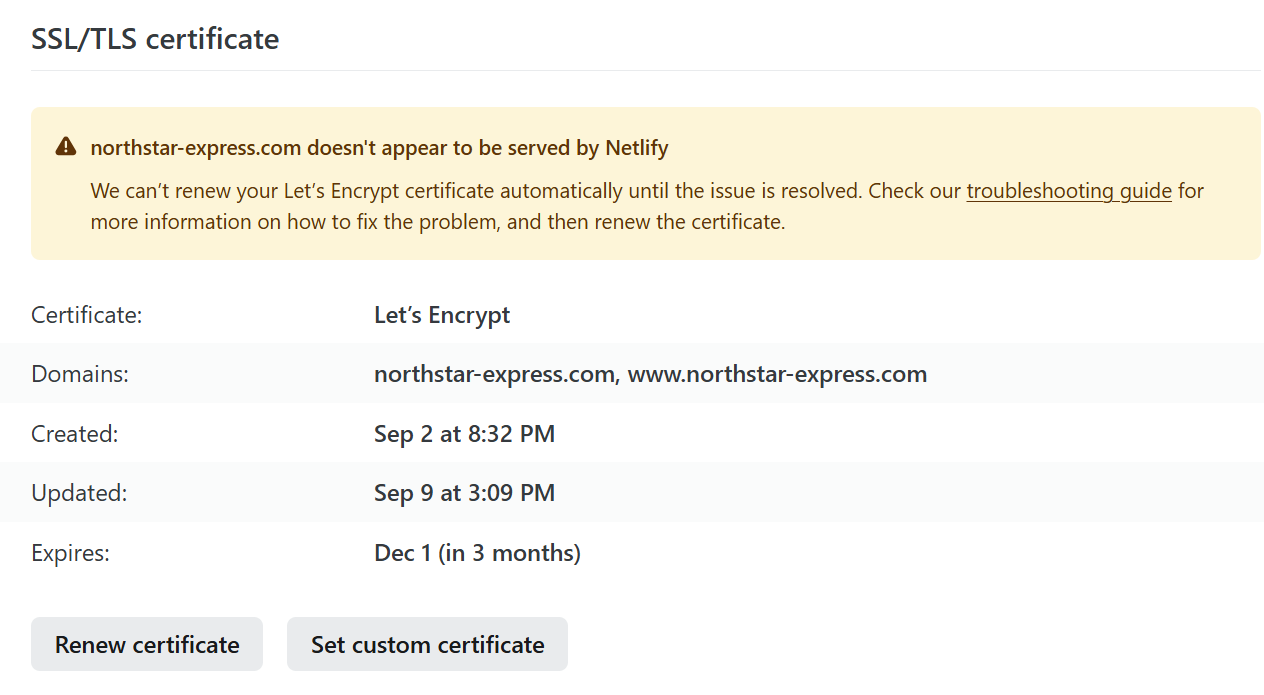
Hi Luke, Thank you so much for your guidance—the website is now running smoothly. However, the SSL/TLS certificate still isn’t renewing properly. Could you please advise on the next steps?
The name servers being used aren’t the Netlify name servers but .cnolnic.com name servers:
dig northstar-express.com NS +trace | tail -n 6
;; Received 571 bytes from 192.48.79.30#53(j.gtld-servers.net) in 85 ms

northstar-express.com.	7200	IN	NS	ns2.cnolnic.com.
northstar-express.com.	7200	IN	NS	ns1.cnolnic.com.
;; Received 97 bytes from 240c:4082:0:5d01::5#53(ns2.cnolnic.com) in 245 ms
Since you’re using an External DNS configuration, you can remove the inactive Netlify DNS Zone here: