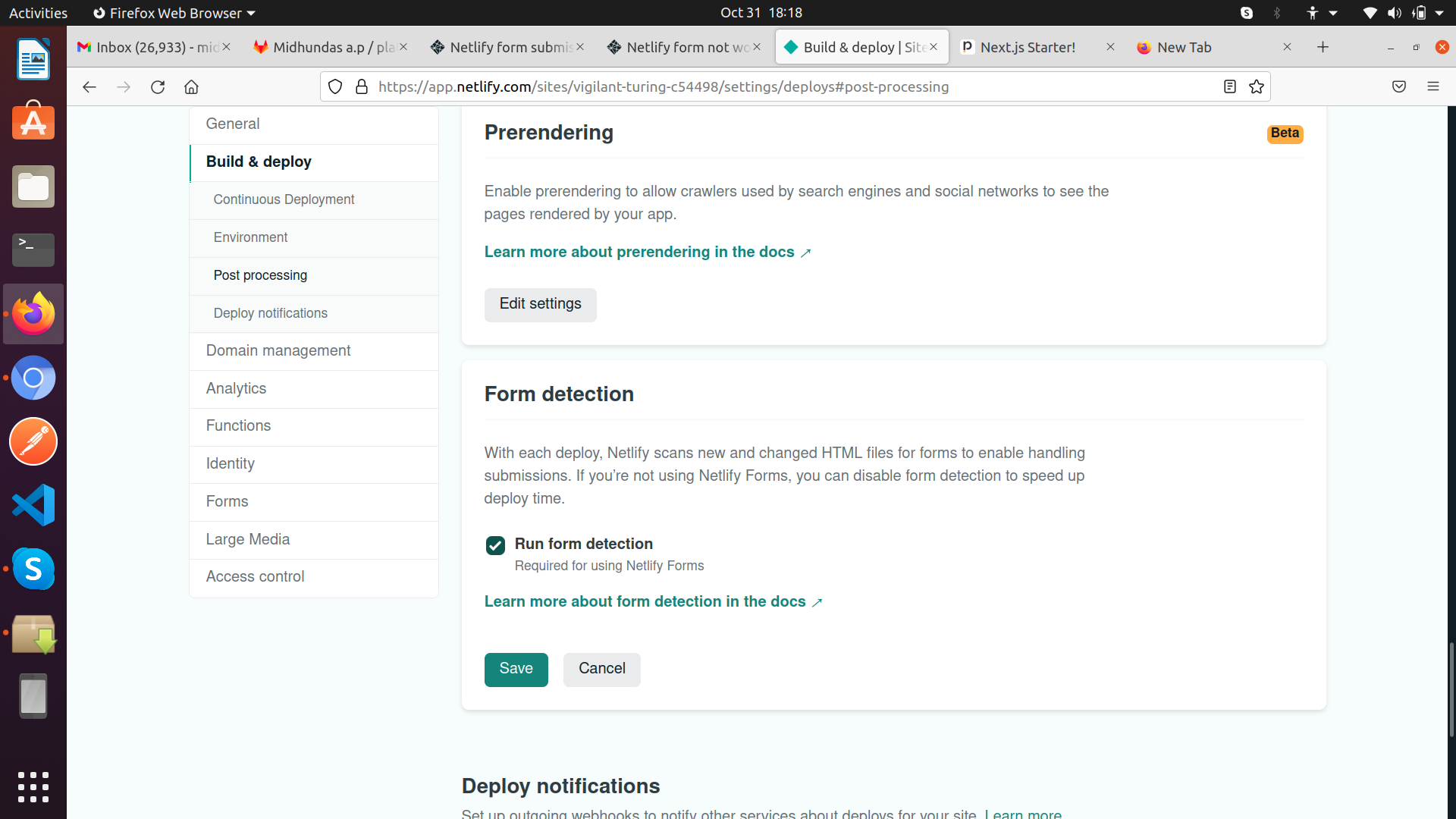
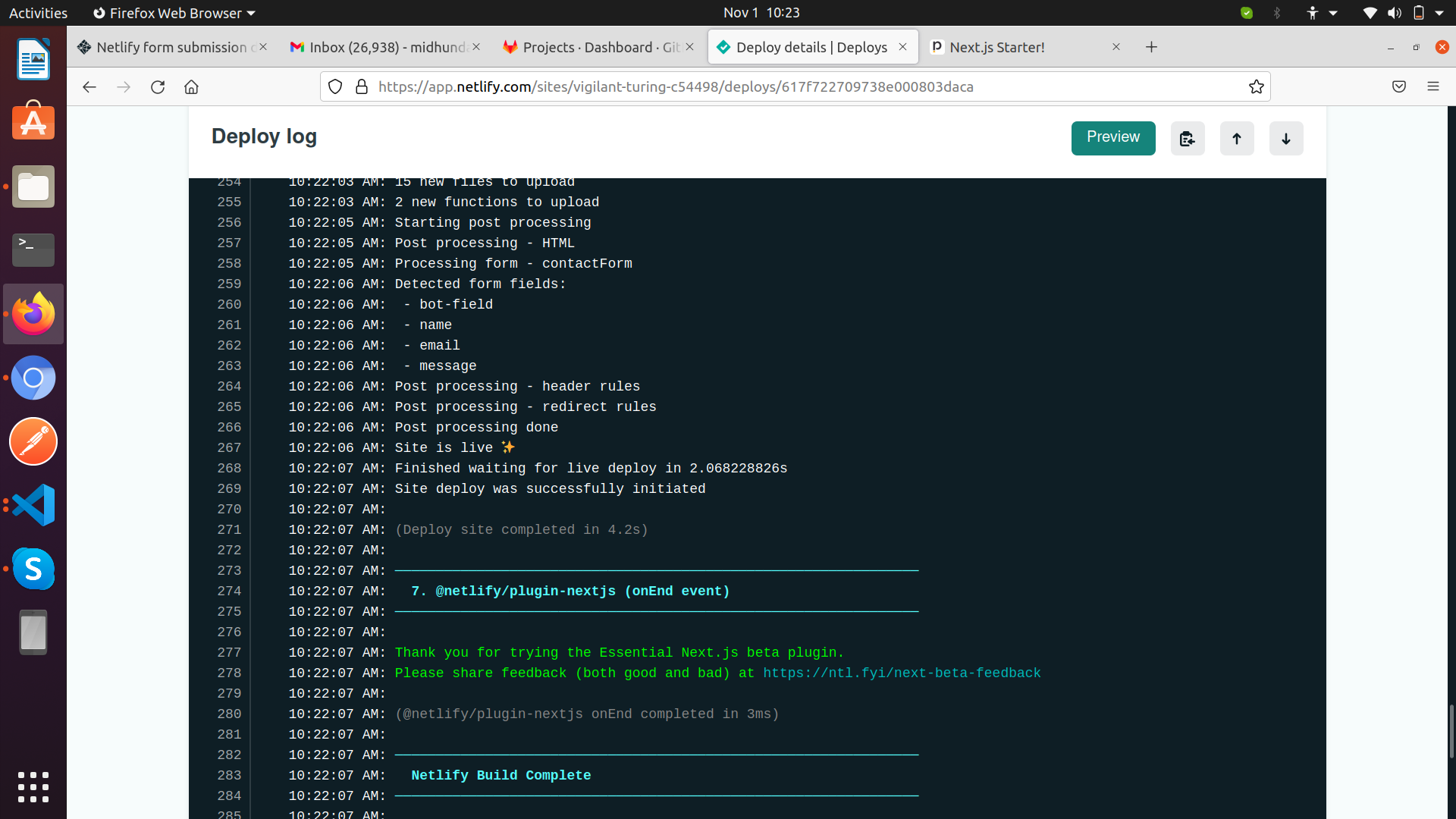
the final site is https://vigilant-turing-c54498.netlify.app/.
the form is added in the the project.
but i did not get any form submission.please help me.
When Netlify bots parse the static HTML for a form you’ve added, they automatically strip the data-netlify="true" or netlify attribute from the <form> tag and inject a hidden input named form-name .
When looking at your URL I still see the data-netlify="true" data attribute on the form, which would lead me to believe the bots haven’t parsed it… but I also see a hidden input named form-name.
Need to switch branch to develop.
step to follow.
git checkout develop
npm i
npm run dev for development .
npm run build , npm run start for production.
but for checking netlify form we need to check the site hosted in netlify ie https://vigilant-turing-c54498.netlify.app, not in local.also my local node version is 12.18.4 and npm is 7.16.0
Need to switch branch to develop.
step to follow.
git checkout develop
npm i
npm run dev for development .
npm run build , npm run start for production.
but for checking netlify form we need to check the site hosted in netlify ie https://vigilant-turing-c54498.netlify.app, not in local.also my local node version is 12.18.4 and npm is 7.16.0
So I checked various stuff and it appears that this might not work. The reasons are as follows:
The reason you’re not receiving submissions is because (point 2 of Submits fine, yet no submissions in UI:):
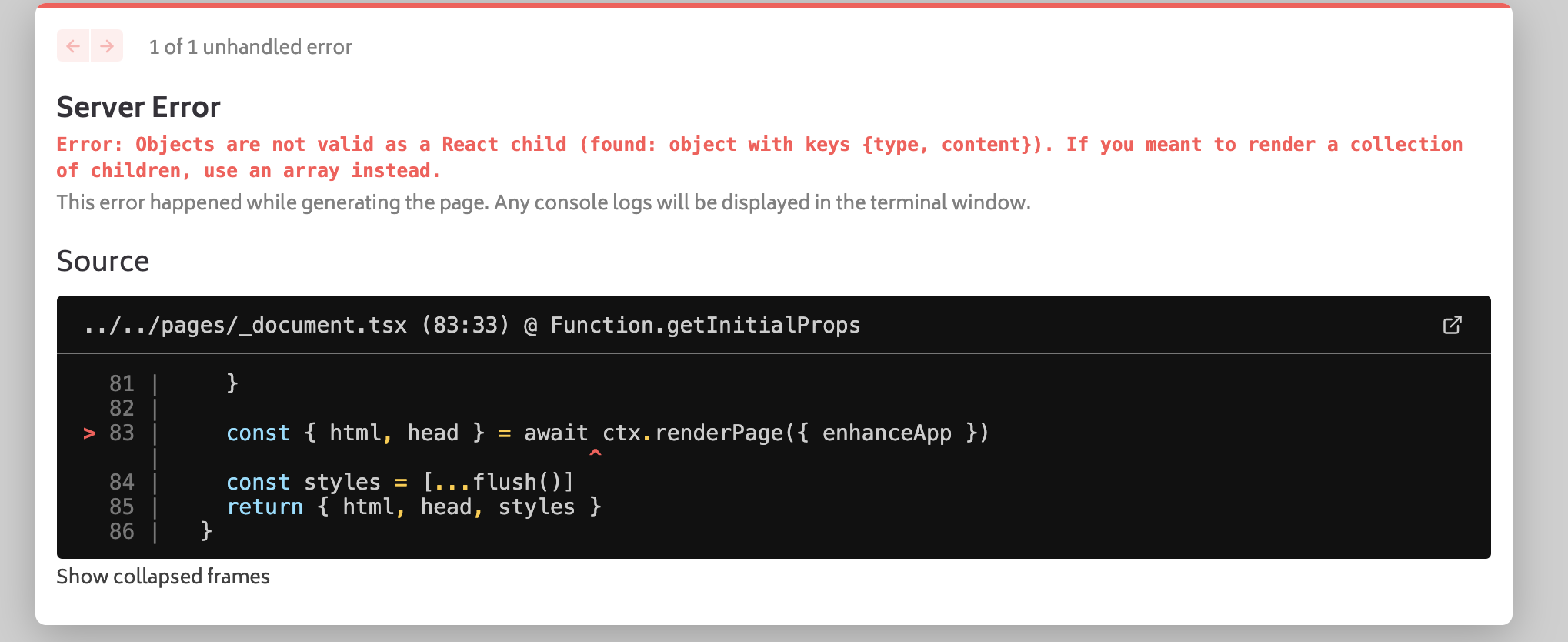
Next.js is using Netlify Functions to render your page which is why the submissions are lost. Furthermore, the problem is that, even when I tried adding the extra thanks.html static page in public folder, Next.js functions failed to render that page until I manually added the .html.
I tried this:
but that didn’t help.
I even tried plugin v3.9.2 that’s the current stable version and that didn’t help too.
So, this might not work, but we would get this confirmed with the developers soon.
Whilst they will definitely try their best to research further, please remind yourself that the folks at Netlify may have many issues to investigate before they reach this one… be patient
Sorry for the delay, this was an overlook on my part and didn’t need any developer intervention after all - just thought about this randomly while I was doing something else.
So you just need to do 3 things:
{/* <input type="hidden" name="form-name" value="contactForm" /> */} uncomment that line.
Create a file (for example thanks.html) in your public folder. It could show the contents of your thank you page for example <h1>Thanks</h1>.
Finally, add action="/thanks" attribute to the <form> tag.