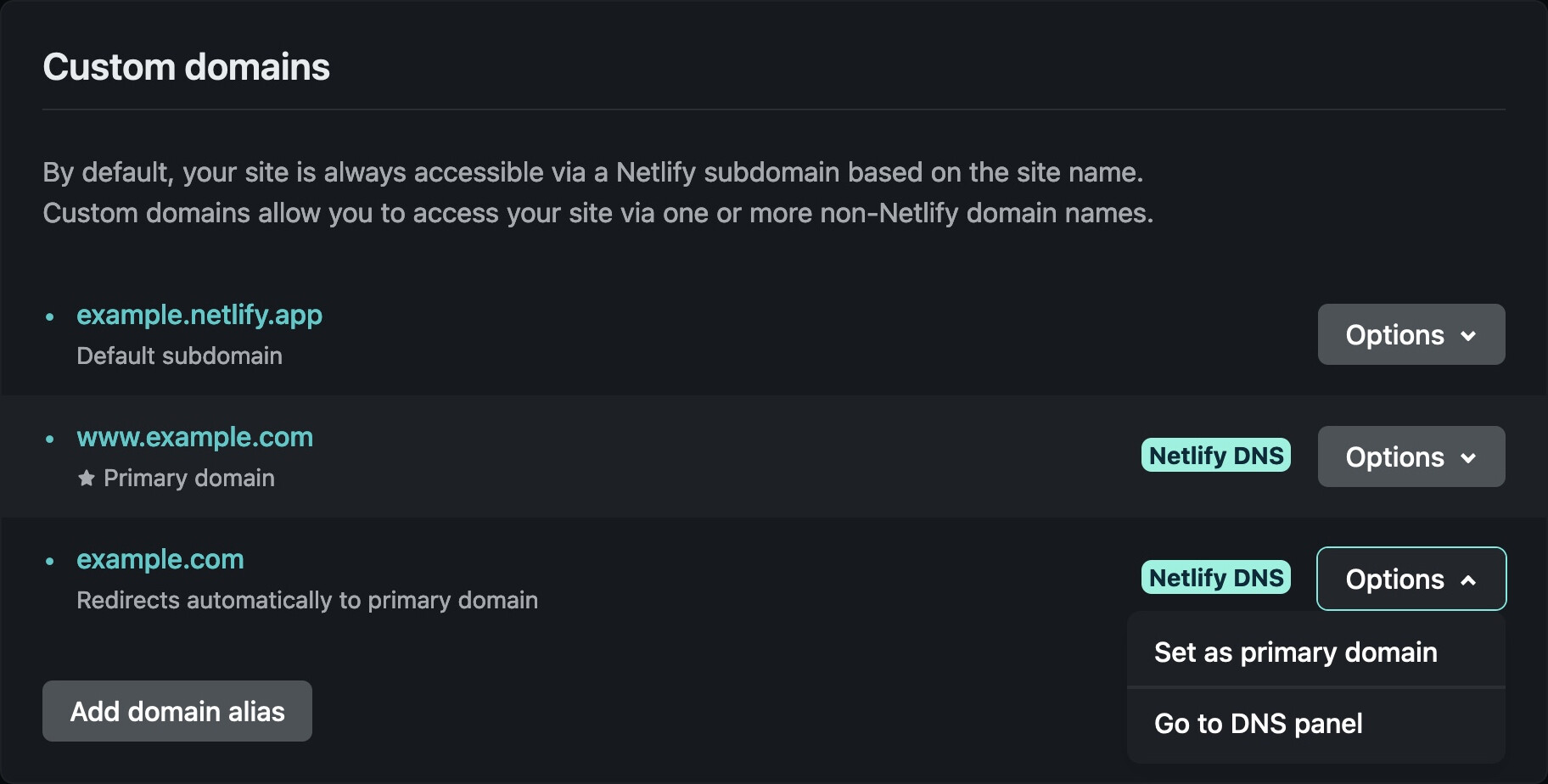
This domain level redirect (www → non-www or vice versa) is handled automatically by Netlify. If you wish to use the apex and not the www subdomain as the primary domain, set it to the primary
Hello @turnleft , thanks for the extra feedback.
Since you are using React Router DOM, make sure that all paths respond with your the index.html page that your React app is used in.
Therefore create a file named “_redirects” in the public folder and then add the content below.
Appreciate the support although perhaps I had miscommunicated my question. Nevertheless I resolved it yesterday (as can be demonstrated: SEASLUG.SE)
Nevertheless, appreciate the support !
I am not sure what the demonstration was either. https://seaslug.se/venues still redirects to https://www.seaslug.se/venues, which is what I understood was the issue.
Hi @coelmay. Based on what I observed as at yesterday if you visited the site https://seaslug.se and clicked on the Venues Link in the menu it sends you to https://seaslug.se/venues with the Venues List content on the page.
However if you refreshed https://seaslug.se/venues or directly typed it in the browser url bar and hit enter the content of the page does not show the Venues List but rather the content of the Home page.
Looks like @turnleft fixed it. Now when you visit the https://seaslug.se/venues it shows the Venues List.
@turnleft If you don’t mind sharing what was the cause of the issue?
Sharing what caused the problem might help others in the future who might visit this post when they experience a similar issue.