That makes sense ! However in my netflify’s project page in the ‘build settings’ section I tried to add ‘code’ or ‘/code’ as the base directory and it doesn’t seem to work, also tried with the complete path ‘https://github.com/henridelozanne/space-tetris/code’ but I still have a ‘page not found’… Is there something else I’m missing ?
As it wasn’t working I modified my github project to set my sub-folder ‘code’ which contains the index.html as the main repo. I then deleted the ‘code’ base directory on netlify but I still have the ‘page not found’ message. Any idea what is wrong ?
thank you sir, the link you have sent in the above mail totally works. but when i log in through netlify main page, i still get the same error message. may be as you said i am still missing a index html page. how am i supposed to add that.
thank you
You can either make a new html file to your Github repository that you want to use as a homepage and call it index.html or rename a file already present in your repo to index.html . In the latter case, you’ll have to update your navigation, probably.
I cloned your repo, created a new site and left all the build setting empty. It deploys perfectly: https://naughty-bose-2a3616.netlify.com/. Maybe try starting fresh?
Indeed ! I created a new site from the modified github repo and now it works fine  Thanks a lot !
thank you so much sir. all sorted! THANK YOU!
@tomrutgers, I have the same problem with my site deployment. I am completely new at this and have no idea what I’m doing or how to fix my problem. Are you able to help me?
My repo is: github.com/mleonard97/Netpricecalculator
Hi @mleonard! It looks like you’ve added a zip file to your Github repo. Simply remove the zip from the repo and add its contents. Use the build settings @perry describes in the post above and you should be good to go.

Try renaming NetPriceCalculator.html to index.html.
done. Still not working. (I appreciate your help, by the way).
I cloned your repo, set up a site, left all the build settings blank and it works: https://silly-hermann-93cf4b.netlify.com/

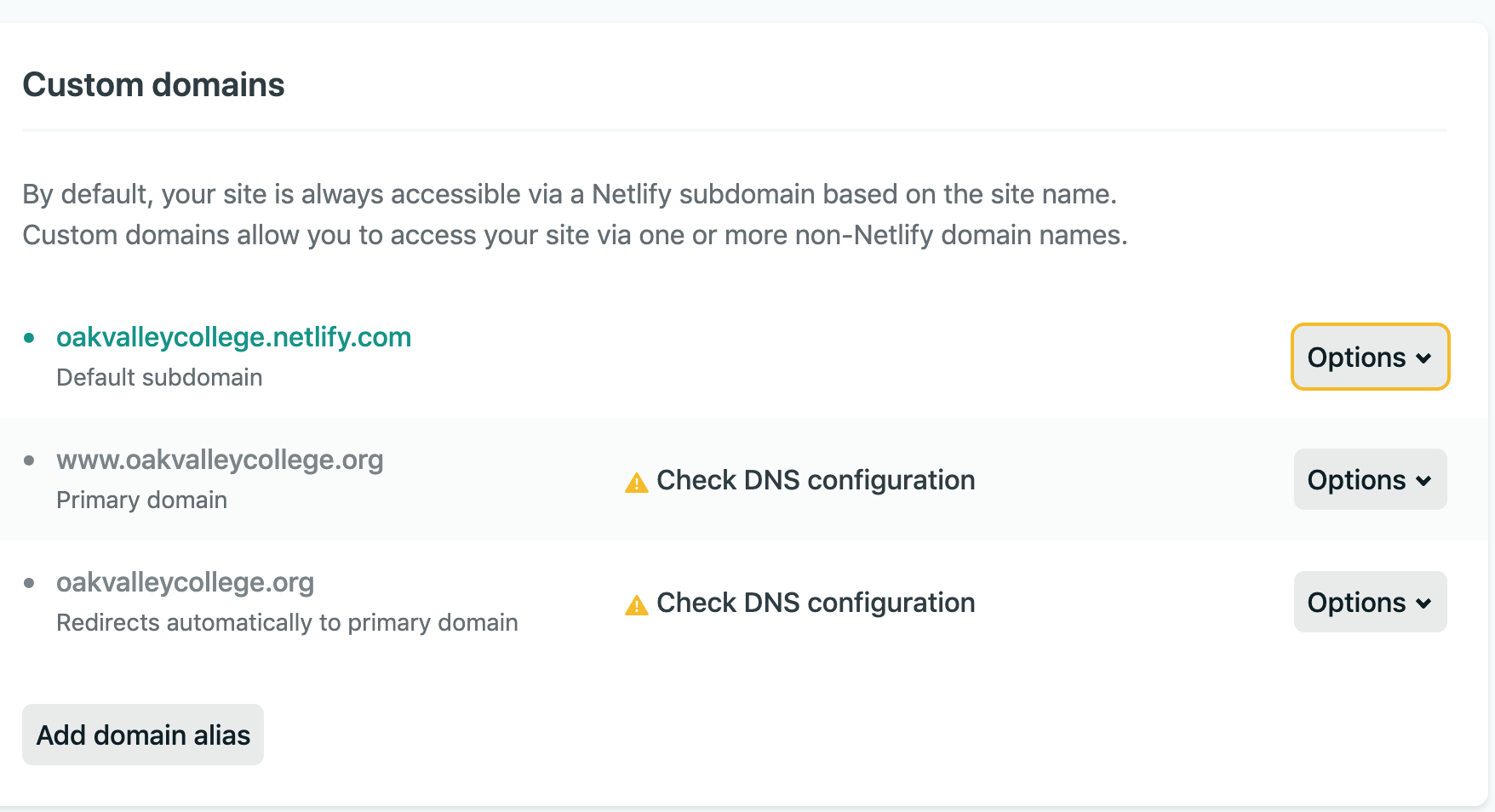

That’s odd, I used the same commit for building my test site.Try updating your build settings (remove the public folder) and trigger a deploy manually. If it fails again, post the logs here. The custom domain might take a while to propagate (up to 48h).
ahh… shoot. I’m lost on how to remove the public folder. Where/how do I do that?
You can find the instructions here: Build configuration overview | Netlify Docs
It worked! Thank you! Thanks so much for your time. I appreciate your generosity.
yay! thank you @tomrutgers - glad its working now @mleonard!